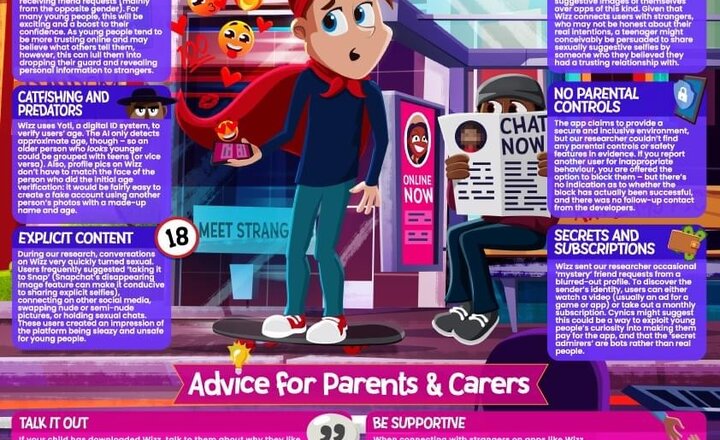
Online Safety: Wizz
Your quick guide to Wizz. It’s a trending social app that matches young users with potential new friends … and it’s not without #OnlineSafety hazards. Check out our #WakeUpWednesday guide this week for all the biz about Wizz. Download >> https://bit.ly/3ncXmLT
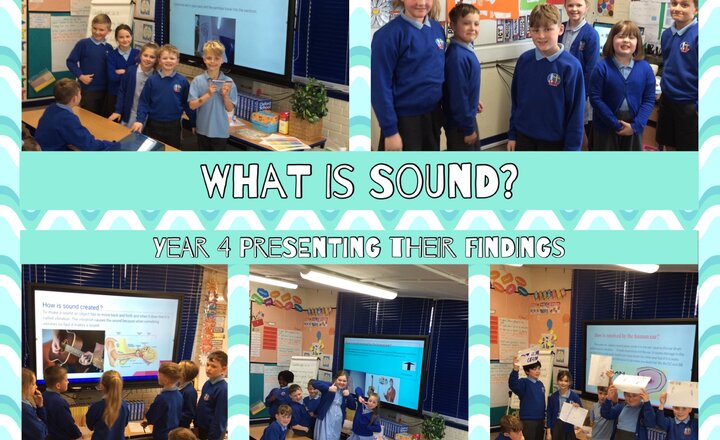
Year 4 - Science: Presenting our findings
On Monday, Year 4 did a great job of creating their own group presentations to explain how sound is made, how it travels and how it is received by the human ear.
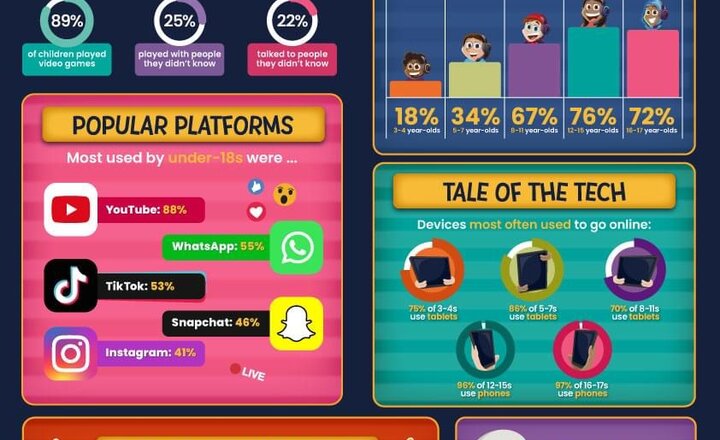
Online Safety: Ofcom Report
Are kids risk free in ’23? Evidently not. Ofcom have just published their yearly report into children’s digital activities and the #OnlineSafety risks they face. Our #WakeUpWednesday guide has some key findings for trusted adults. Download >> https://bit.ly/40maDzn
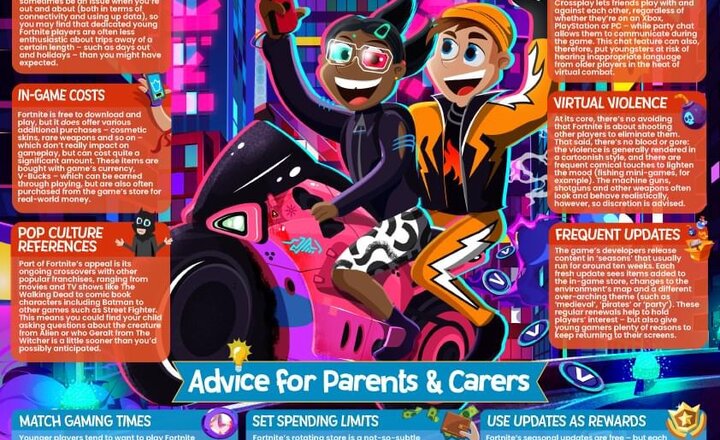
Online Safety: Fortnite
This week … it’s Fortnite. A new season of the phenomenally popular online battle game dropped last month – our #WakeUpWednesday guide scopes out this latest update for potential #OnlineSafety risks to its legion of young players. Download >> https://bit.ly/3ZS4Scs
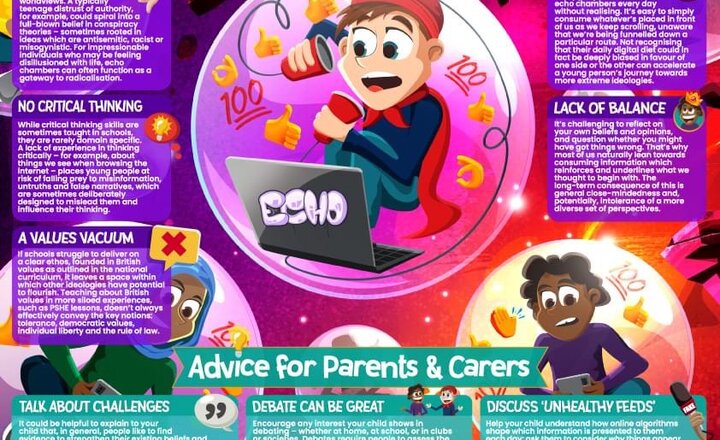
Online Safety: Echo Chambers
In some areas of the internet, there’s no such thing as ‘the middle ground’ – but why are they an #OnlineSafety risk to young people? This week’s #WakeUpWednesday guide finds out , Download >> https://bit.ly/3zvXgld
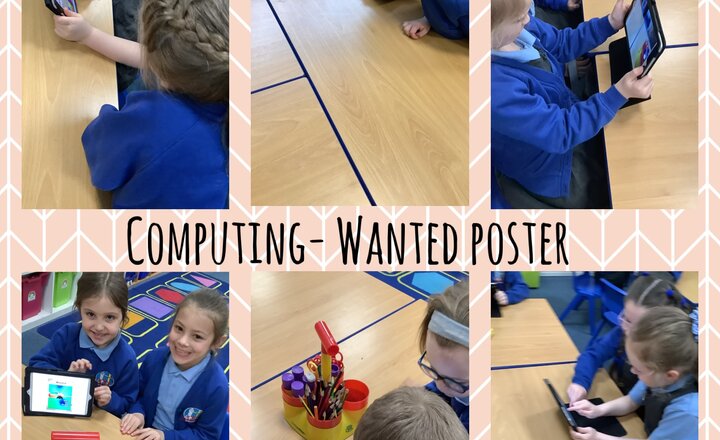
Year 1- Computing
In computing this week Year 1's task was to make a wanted poster using the iPads. They had to create their own character and type up what their character was wanted for.
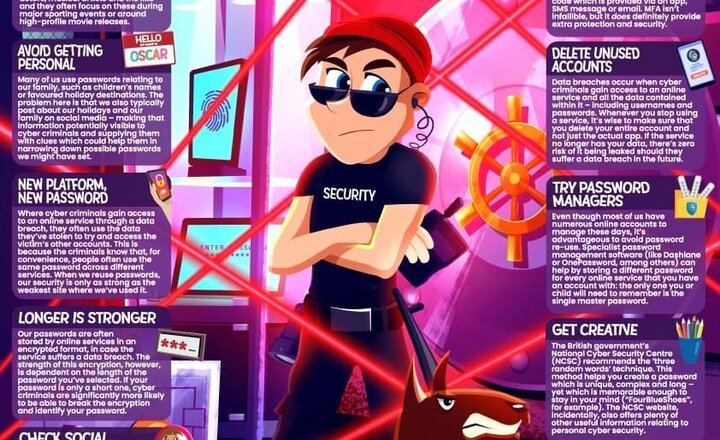
Online Safety: Passwords
What’s the password? As the digital world’s most common security measure, passwords therefore remain a prime target for cyber criminals. Our #WakeUpWednesday guide has tips to improve #OnlineSafety by beefing up your password strength. Download >> https://bit.ly/3JqBxzG
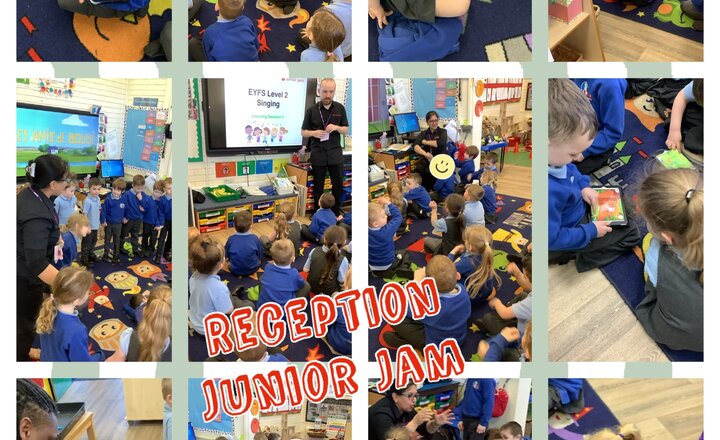
Reception- Junior Jam
Today Reception have been very lucky to have three different junior jam sessions today! In the first session, they looked at different songs and focused on how they make you feel. The children listened well to the songs and showed good understanding of the emotions the songs created. They then had a French session where they learned the french word for ‘hello’ and they also learned some numbers in French too! They also had a go at learning the song ‘Frere Jacques.’ They then had a Computing session, where they went onto the iPads, and played a coding game.

Year 6 computing
This week, year 6 have been creating cinemagraphs on the Motionleap app. Their aim has been to make still pictures move.
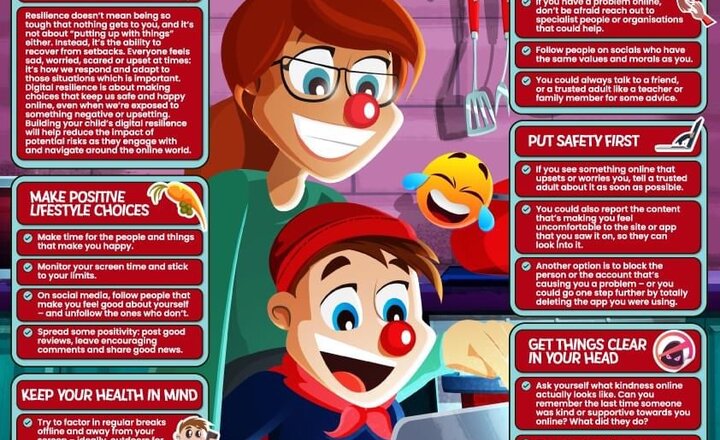
Online Safety: Safe and Healthy Online Habits
It’s almost Red Nose Day! In support of Comic Relief, our #WakeUpWednesday guide has got some top tips on helping children and young people to build their digital resilience – minimising the impact of #OnlineSafety threats.
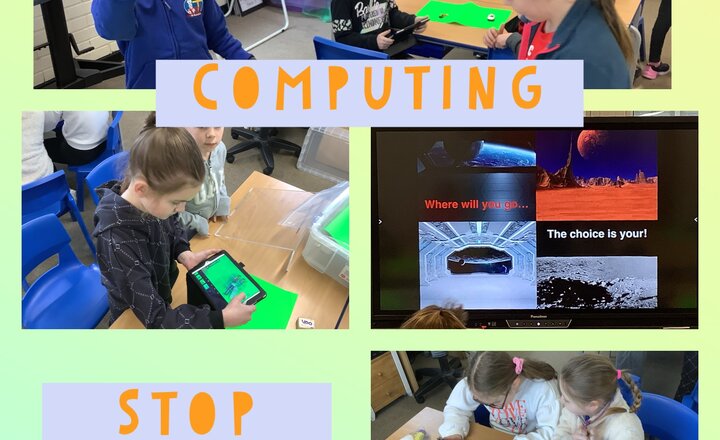
Year 3 Computing
Year 3 have been building on last week's stop motion skills by using a green screen. They created their own stop motions and added their own backgrounds. They worked in pairs and communicated effectively thought out. Well done!
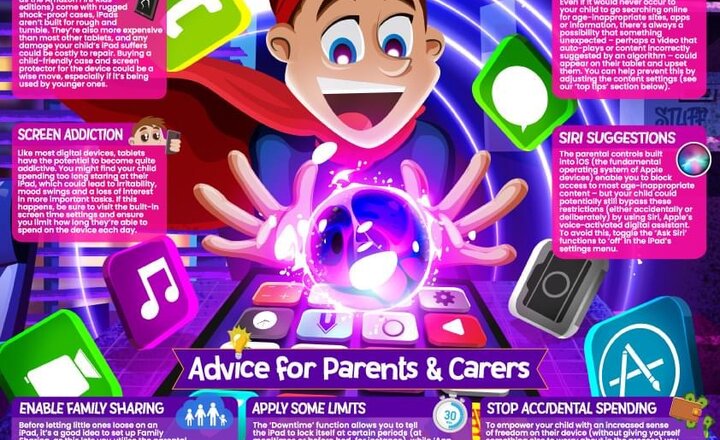
Online Safety: iPads
Getting to the core of Apple’s market-leading tablet
.png)