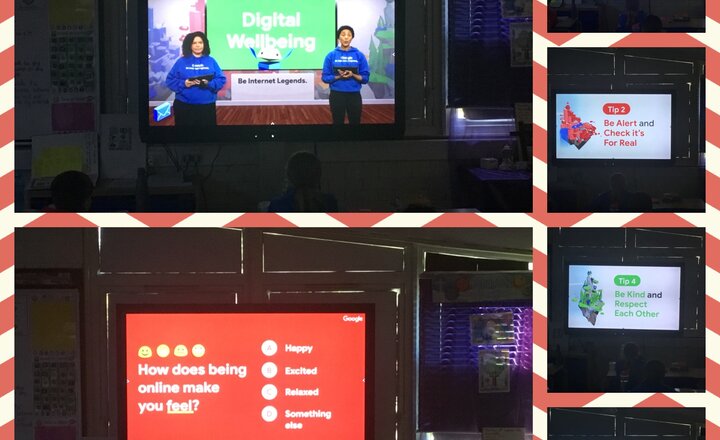
Wellbeing Worship
This morning, year 6 took part in a virtual wellbeing worship. The focus of the session was that any time spent online should make you feel good and not bad. One of the presenters compared online time to eating doughnuts and explained that although doughnuts are very tasty, too many of them would not be good for you. This applies for screen time too.
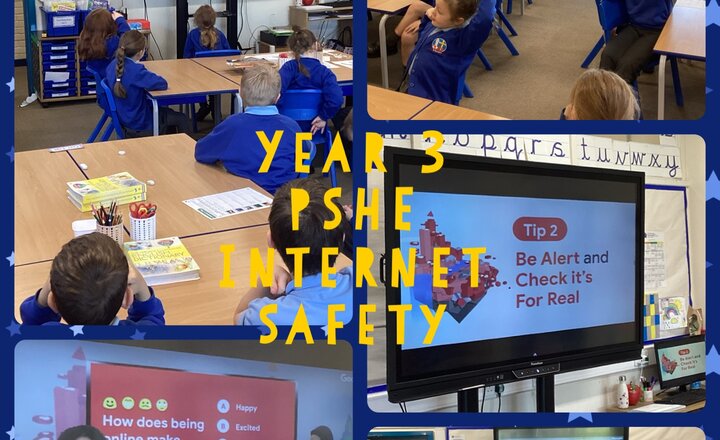
Year 3 - PSHE - Be Internet Legends
Today we joined an online assembly hosted by Google. We talked about how to be internet legends and to stay safe online, how we feel about using the Internet and about limiting our time to try and keep a healthy balance.
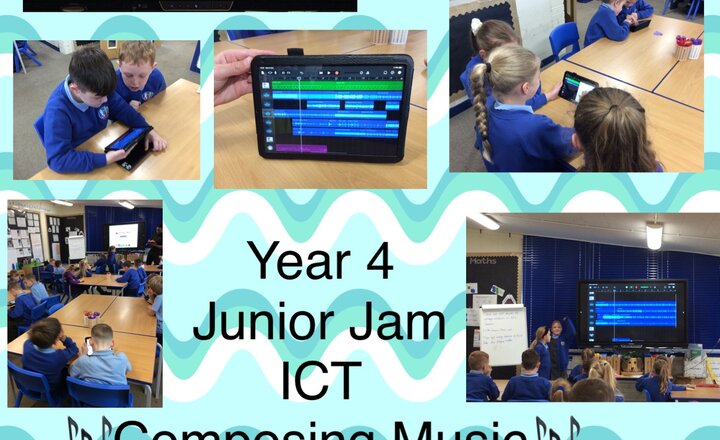
Music - Composing Music digitally in Year 4
In our Junior Jam computing session we have been composing music and then evaluating pieces using constructive criticism. The children listened really carefully to each music piece shared and evaluated respectfully.
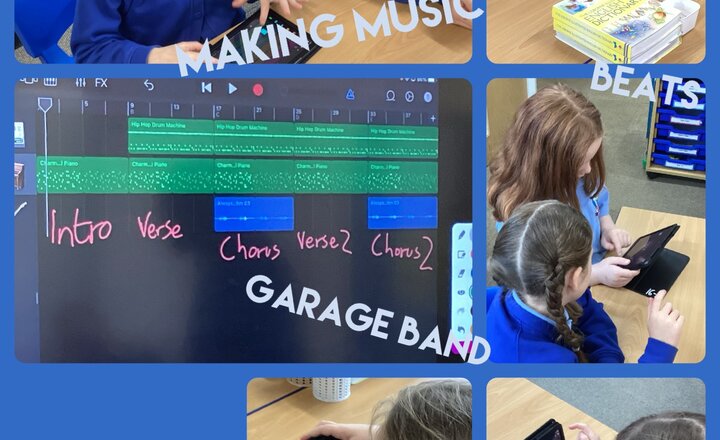
Year 3 - Computing - Making Music
During our computing lesson this week we are continuing to create music on the app GarageBand. The children are really enjoying putting together different beats and instruments to create their own songs.
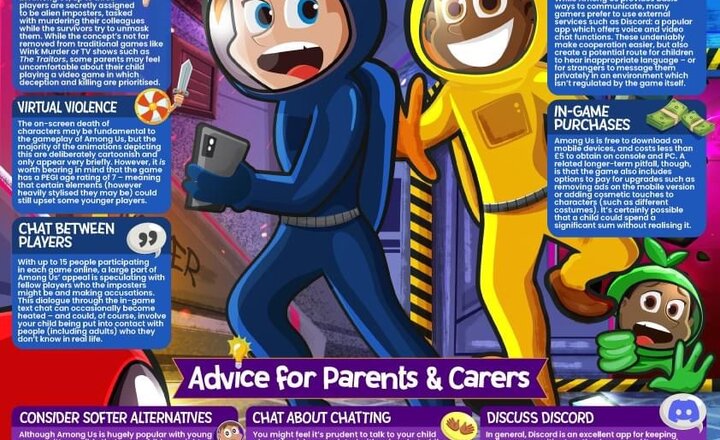
Online Safety: Among us
Among Us: fairly safe, or pretty sus? Our updated #WakeUpWednesday guide to the hugely popular sci-fi deduction game tells parents and carers of young Among Us fans which #OnlineSafety risks they need to be watchful for. Download >> https://bit.ly/3LNQQ7D
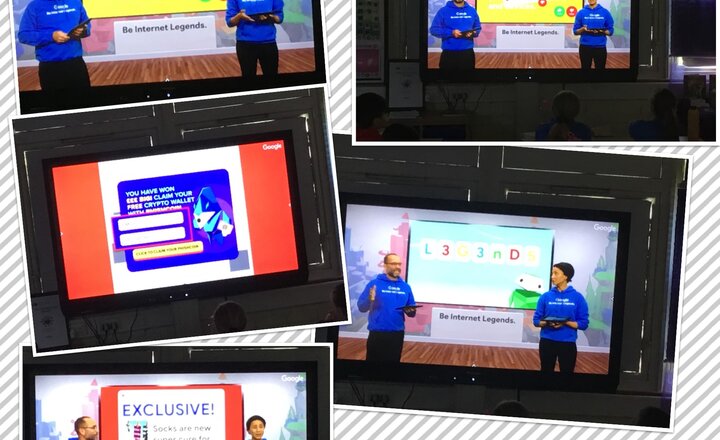
Year 6 Internet Safety
In today’s class worship time, year 6 focused on being internet legends. This week, they looked in more detail at how things aren’t always real online and how people may want you to believe something or possibly influence you to do something. They were made aware of different rules that can help to keep us safe online, such as: - if something seems too good to be true, it probably is. - Don’t share personal information. - Don’t visit sites that don’t have a padlock in the address bar. - Be alert when playing online games.
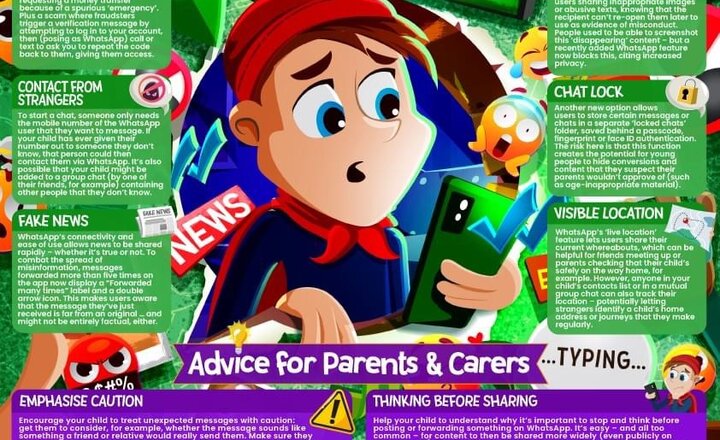
Online Safety: WhatsApp
97 million messages. Every. Single. Minute. Our updated #WakeUpWednesday parents’ guide to WhatsApp examines the latest features on the world’s most-used messaging app – and what #OnlineSafety issues they might raise for children. Download >> https://bit.ly/3t0WKLY
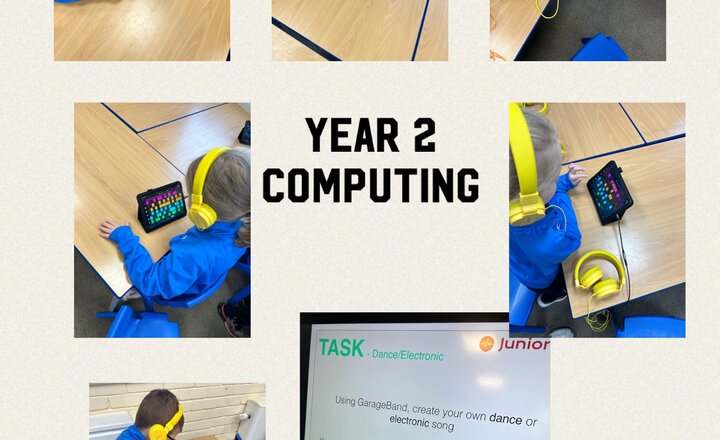
Year 2- Computing.
In music this week Year 2 have been creating their own piece of dance music by using app “garage band” on the iPad.
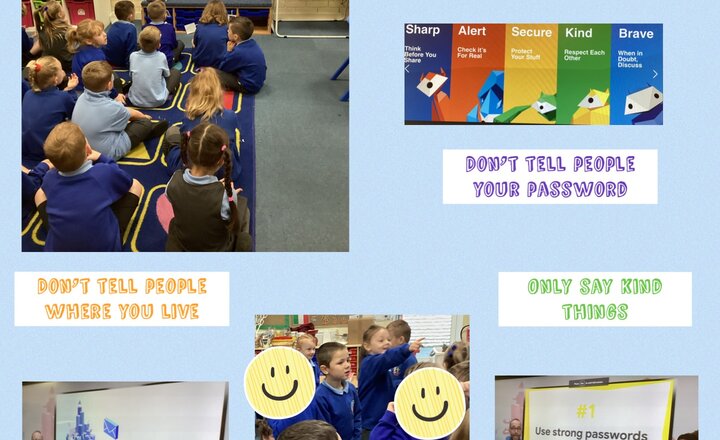
Year 1- Be Internet Legends
Year 1 watched the ‘Back to School- Be Internet Legends Assembly.’ We learnt and discussed some very important ways of staying safe on the internet. We know that we should not share information such as our full name, the school we go to or where we live with anyone over the internet and that we should have a tricky password that is hard to guess when we are creating one.
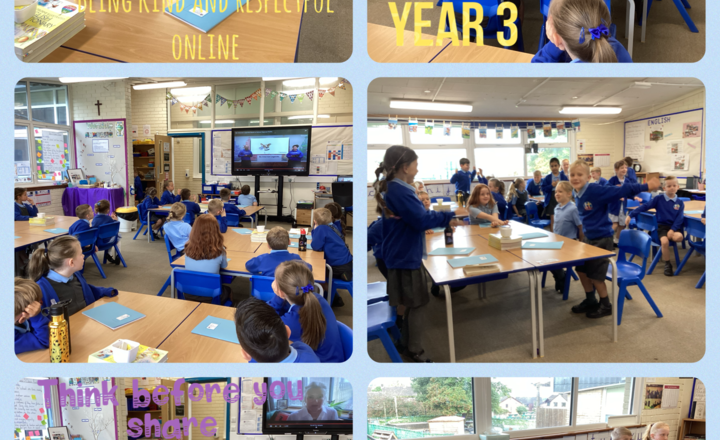
Year 3- Be Internet Legends Back to School Assembly
Today, the Year 3 class joined the live assembly delivered by 'Be Internet Legends'. During the assembly, the children learned about online safety, how to protect themselves and using strong passwords. Five key points that were highlighted throughout the session were; Sharp, Alert, Secure, Kind and Brave — these are designed to equip children with the key skills needed to stay safe online including critical thinking and empathy.
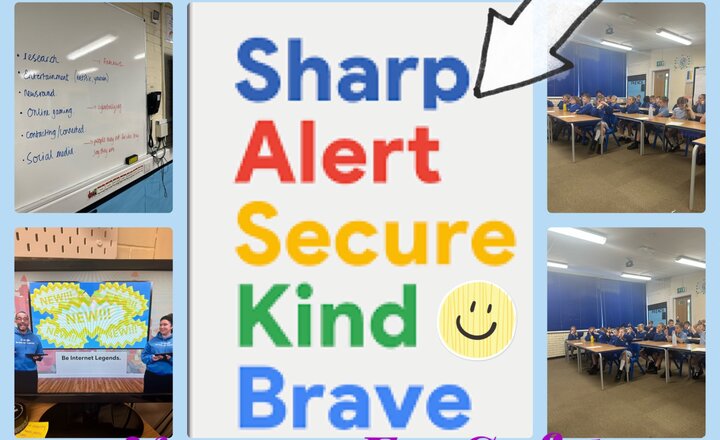
Year 5 - Be internet legends
This morning year 5 participated in the be internet legends live assembly. The assembly discussed all the key aspects of online safety and why it is important to remain safe online. They discussed how the internet was an amazing platform for people and how it has changed to world to make things more accessible to people. The assembly discussed the potential threats that can happen online and how to avoid them and know when to alert a trusted adult of a potential danger. They gave lots of tips and advice how to maximise your online activity while remaining as safe as possible. The key aspects the assembly discussed are: - Be sharp - Be alert - Secure - Kind - Brave
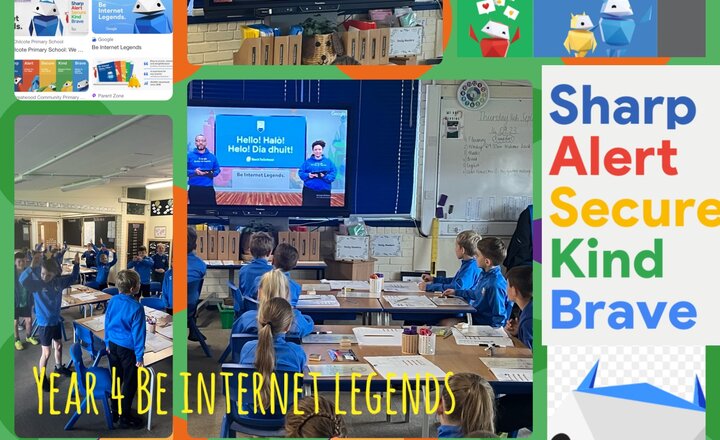
Year 4 Be Internet Legends Class Worship
This morning we took part in a live assembly called Be Internet Legends. We looked at the importance of internet safety focusing on being sharp and think before we share. We took part in live shout outs and shared our summer experiences. We will now look at the 3 key reminders regarding our passwords in our next PSHE session: 1- use strong passwords 2- never tell people your passwords 3- don’t share passwords in shared drives
.png)