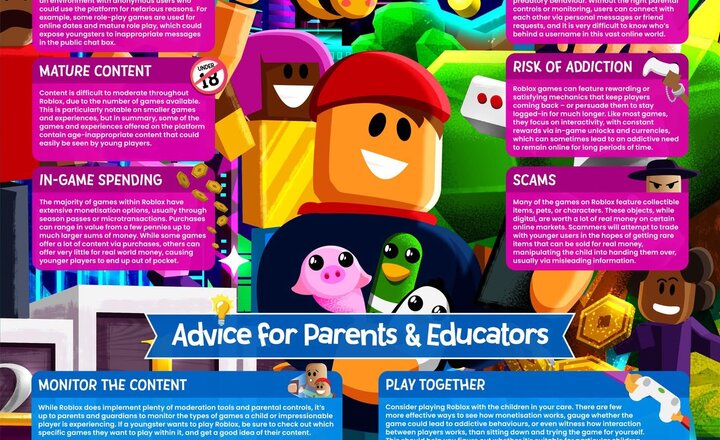
Online Safety: Roblox
Roblox can be fun, but it's not without its risks including strangers, scams, harmful content, and more. Make sure you download your FREE copy of our #WakeUpWednesday guide – also available as a podcast – now! Download here >> https://ow.ly/uAj650VfPqs Listen here >> https://ow.ly/R1Yp50VfPSp
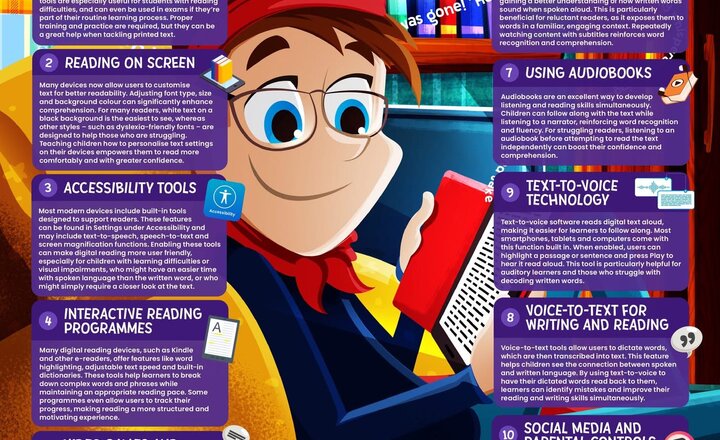
Online Safety: Using Technology to Boost Reading Skills
It’s World Book Day today – the perfect time to celebrate reading in all its forms! The way we read is changing – social media captions, video game instructions, and e-books are all shaping modern literacy. But did you know digital tools can boost reading skills for young learners? This week, we’re sharing ten top tips to help parents and educators support struggling readers using technology! Get our FREE #WakeUpWednesday guide – also available as a podcast – and discover how to make reading more accessible and engaging! Download here >> https://ow.ly/y8eg50Vamjh Listen here>> https://ow.ly/GEBO50Vamji
.jpeg)
Year 5 - How safe do we feel online?
Today, the children took part in a Smart School Council discussion, debating the question: “How safe do you feel online?” They engaged in thoughtful conversations, expressing that while they feel safe, they are also aware of the potential risks. Many children highlighted the importance of privacy settings, recognising suspicious messages and knowing who they are talking to online. This discussion led perfectly into our E-Safety focus of the week, which explored online gaming through Marvel Rivals. The children examined the risks associated with online gaming, such as chat functions, in-game purchases, and cyberbullying and discussed ways to stay safe. We explored key safety tips, including never sharing personal information, using strong passwords, only playing with trusted friends and reporting concerns to a trusted adult.
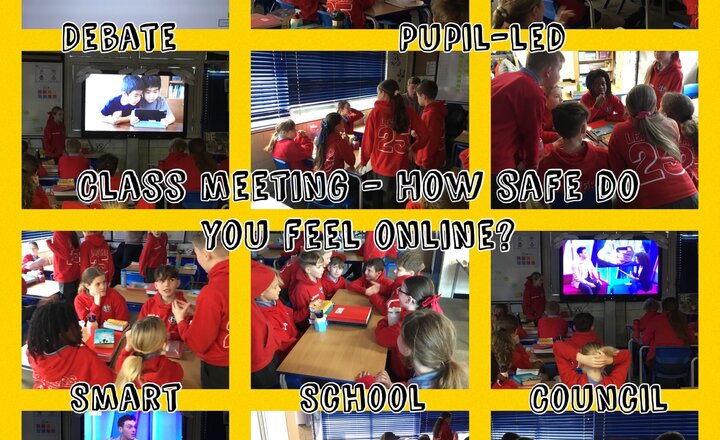
Year 6 Class Meeting - How Safe Do You Feel Online?
Year 6 had a fantastic pupil-led class meeting, this week. The focus was online safety and centred around the key question - how safe do you feel online? The children watched a Newsround interview discussing online safety and had group discussions and debates around the key question.
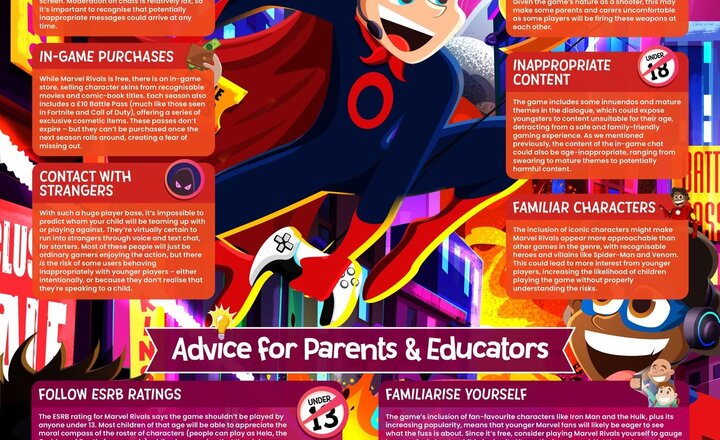
Online Safety: Marvel Rivals
Marvel Rivals has skyrocketed to success in recent months, currently boasting 40 million players but popularity doesn’t always mean ‘safe’. This week’s guide and the latest episode of the #WakeUpWednesday Podcast offers expert advice on the risks of this competitive online game, with tips on safeguarding younger players. Download here >> https://nationalcollege.com/guides/marvel-rivals Listen here >> https://nationalcollege.com/podcasts/what-parents-educators-need-to-know-about-marvel-rivals
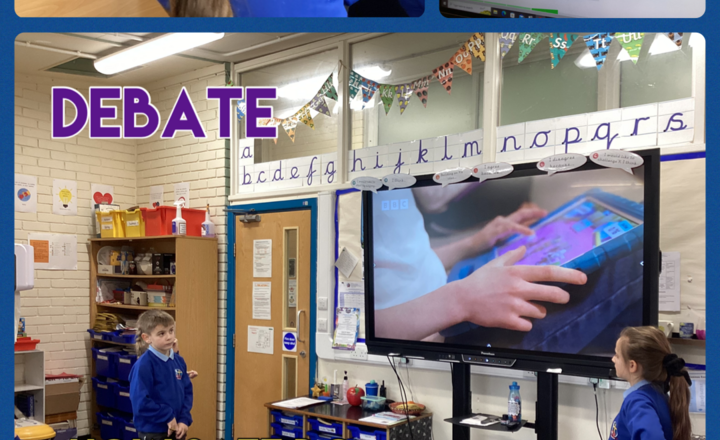
Year 3- Debate- How safe do you feel online?
During our class debate, led by Ella and Alfie, the children unanimously agreed that they only feel safe online some of the time. This led to an important discussion about the steps we can take to feel safer in our daily lives. We emphasised the importance of speaking to a trusted adult when feeling uncertain or uncomfortable, as well as the need to use only age-appropriate apps and online platforms. Through this conversation, we reinforced the message that staying safe is a shared responsibility and that making informed choices can help protect ourselves and others.
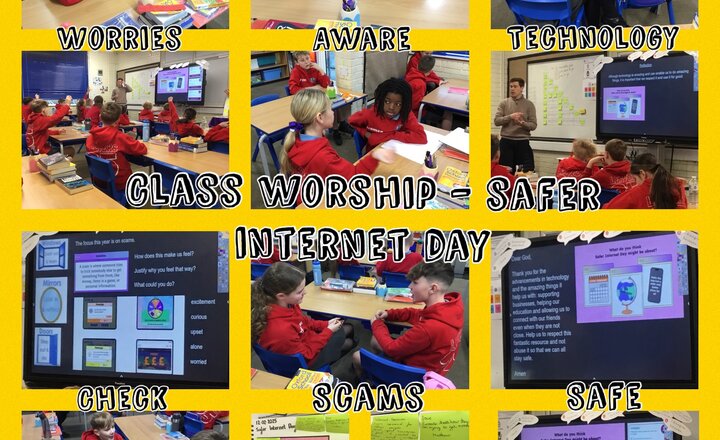
Year 6 - Safer Internet Day
This year’s Safer Internet Day is based around scams. Year 6 discussed what a scam is, the types of scams we can come across on the Internet and what we can do to keep ourselves safe, for example double-checking things that we see online and telling a trusted adult if we are unsure about anything. The children discussed with their partners how online scams made them feel and how the Internet is an excellent tool, if used correctly.
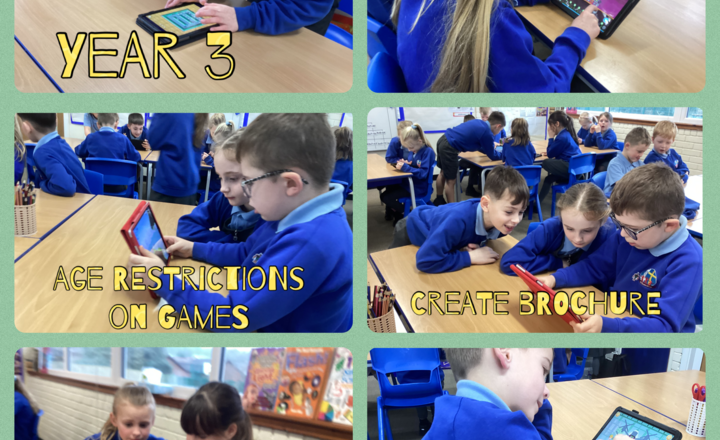
Year 3- iMedia- Age Restrictions on Games
Today in computing, Year 3 talked about staying safe online. Miss Latif showed the children some examples of websites that are restricted to help Year 3 understand why some sites aren't safe for everyone. After that, they used a word processor to make posters about online safety.
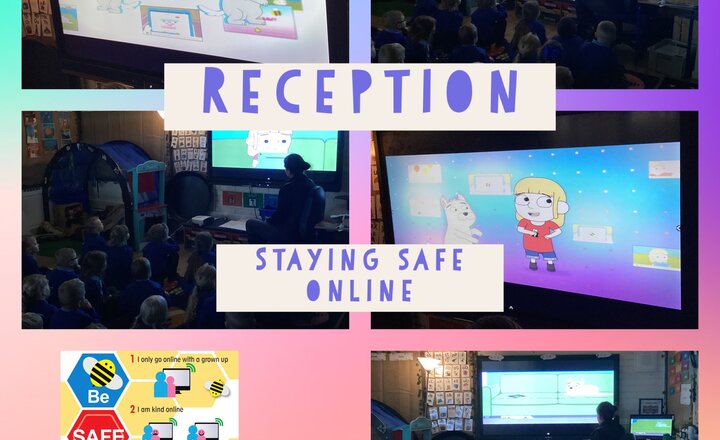
Reception- Safer Internet Day
Reception class learnt how to stay safe online on Safer Internet Day. We discussed where and how we use the Internet. The children said they use it on tablets, iPads, their grown ups phone and on their televisions. The children said they watch YouTube, play games and watch videos. We watched a video of Jesse who watched something scary online. Jesse told her Daddy and it made her feel safe and happy again. The children said they could tell their teachers, grandparents or parents if they ever felt worried or scared. We then learnt the ‘Funny Tummy’ song. ‘If it makes you feel funny in your tummy, worried scared or sad. Then you must tell a grown up you trust, like your teacher, Mum or Dad’.
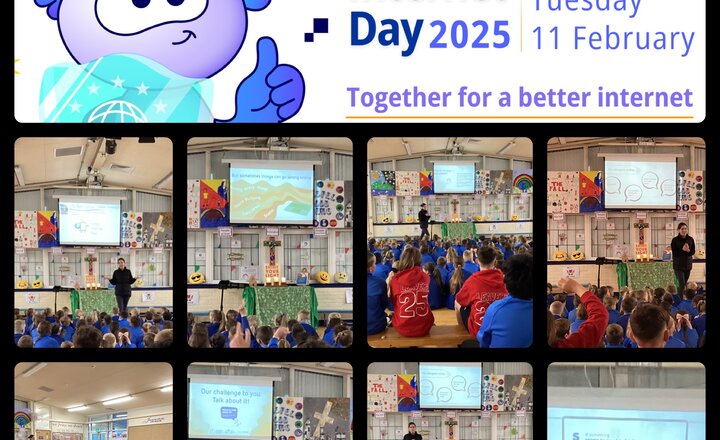
St Barnabas celebrates Safer Internet Day 2025
Today, we will be celebrating Safer Internet Day. We began today by a worship led by Mrs Wilkinson. We discussed how to stay safe online, what might happen online and what a scam was. We discussed how we wouldn’t speak to strangers on the street so we should do the same online and only speak to people we know. If something doesn’t feel right or we get a little scared, we should always talk to a trusted adult. It was lovely to see the children discussing the importance of staying safe online and we had lots of meaningful discussion during our worship. This will continue in classes throughout the day.
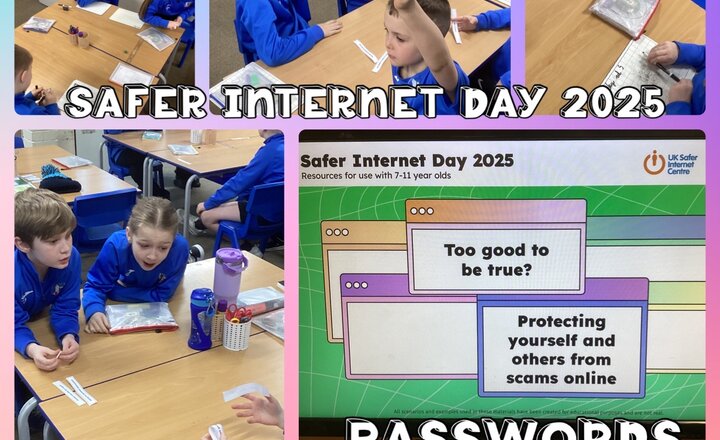
Year 4 - Safer Internet Day
To celebrate Safer Internet Day 2025, the Year 4s learned how to become savvy cybernauts. They began by learning about the importance of setting strong passwords, and they played a game called ‘Guess the Password’ for which the children took turns rolling a dice to generate a password. Their partners then had to try and guess as much of it as they could. They also learned how to spot a scam and practised with a range of common scenarios.
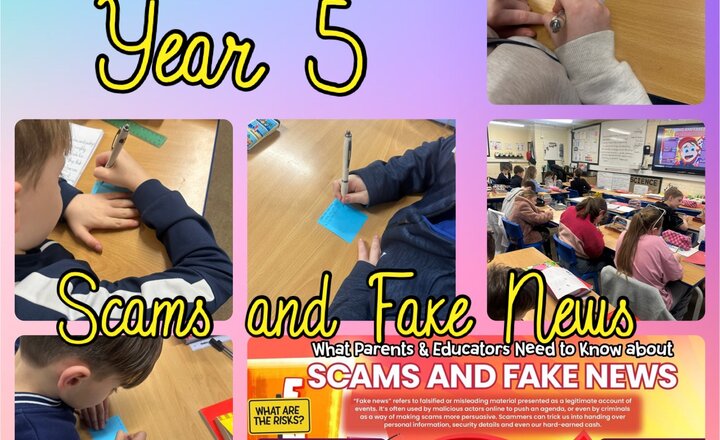
Year 5 - Online Safety
Year 5 explored the E-Safety poster about scams and fake news in preparation for Safer Internet Day. The children discussed the potential risks and dangers associated with online scams, misinformation and how these can affect people in real life. Through engaging discussions, they identified ways to spot fake news, recognise suspicious links and protect personal information. They also explored the importance of thinking critically before sharing content online, ensuring they can navigate the digital world safely while making the most of the internet’s benefits.