.jpeg)
Online Safety: YouTube
YouTube continues to be one of the most popular platforms for young people, offering a mix of entertainment, creativity and learning. However, its vast content library and recommendation systems can also expose children to risks that are not always easy to spot. Our latest #WakeUpWednesday guide highlights key concerns, including: • Inappropriate or extreme content • Interaction with strangers • Risky trends and challenges • The impact of short-form content It also offers practical advice, such as using YouTube Kids, setting parental controls and watching content together. Download the guide here: https://vist.ly/4zbr3 #OnlineSafety #Safeguarding #DigitalParenting #WakeUpWednesday
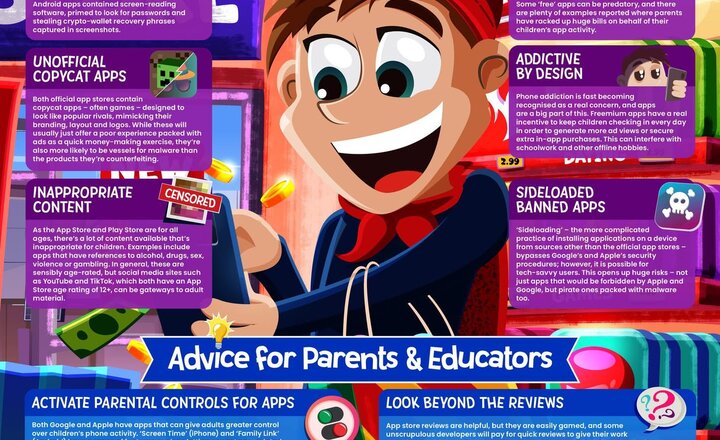
Online Safety: App and Play Stores
With millions of apps available and children accessing them from an increasingly young age, app stores can present a range of risks. From malware and copycat apps to inappropriate content and persuasive in-app purchases, this Wake Up Wednesday guide highlights how easily young users can encounter issues – even when using official platforms. It also offers clear, practical advice to help parents and educators manage these risks. From setting up parental controls and checking app credibility to having open conversations about safe usage, the guide supports adults in building children’s awareness, encouraging safer choices and promoting more balanced, responsible app use
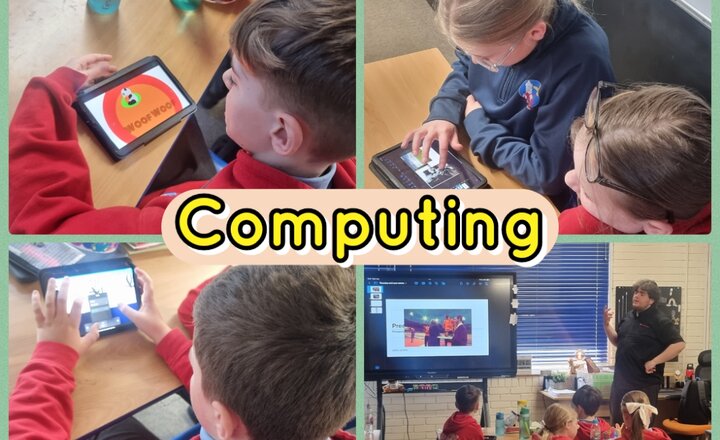
Year 6 Junior Jam - Computing
In Computing, year 6 have been working on looping videos. They were tasked with using the Keynote app to create a looping video which included: a GIF, 3D art and cinemagraph. The children then watched and appraised each other's videos.
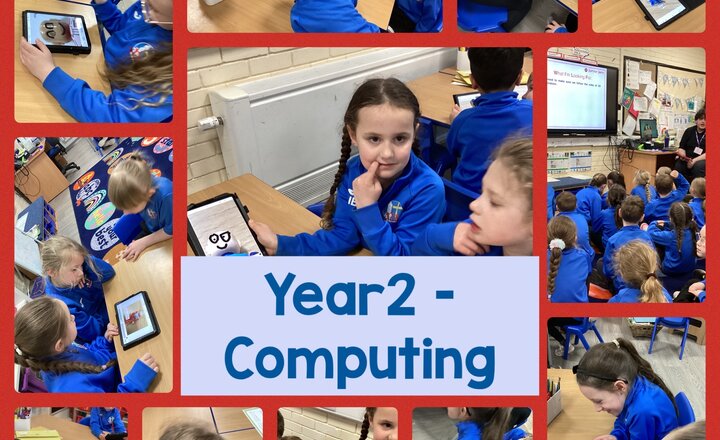
Year 2 - Computing
Year 2 have been busy animating objects to create a Lego movie.
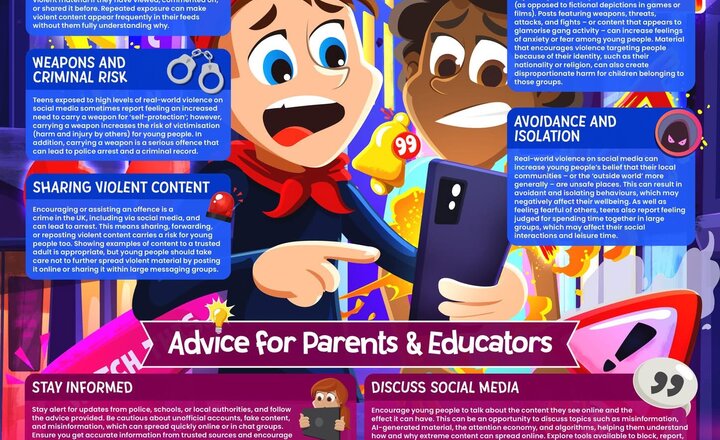
Online Safety: Online Trends Encouraging Violence
Violent clips, online conflicts and shock-value challenges can spread rapidly across social media platforms. Many young people are exposed to this content through algorithms or messaging groups, even when they were not actively searching for it. Our latest #WakeUpWednesday guide explores how viral trends can encourage risky behaviour, normalise violence and create anxiety or fear within communities. The guide also highlights: • The emotional and legal risks of sharing violent content • How social media algorithms amplify harmful material • Practical advice for parents and educators Download the guide and support safer online conversations with young people: https://vist.ly/4vah7 #OnlineSafety #Safeguarding #DigitalWellbeing #WakeUpWednesday
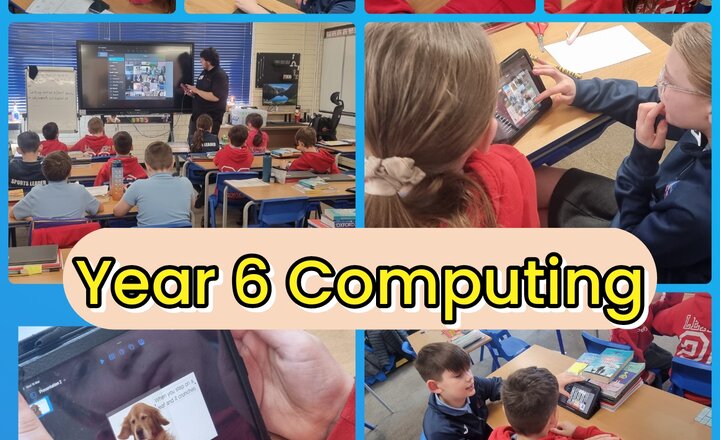
Year 6 Junior Jam - Computing
In this week's Junior Jam Computing lesson, year 6 created their own GIFs using the Keynote app. They worked in pairs, choosing an image and adding some humorous text, then animating their image with a Build-In, Action and Build-Out. At the end of the lesson, they showcased their finished GIFs on the board. This was such a fun and informative lesson and the children really enjoyed it.

Year 5 - Computing
In Computing, Year 5 learned how to create character movement for an animation. The children first drew 3D shapes on their whiteboards and then made a sequence of shapes in the Animation app to help create forward motion.
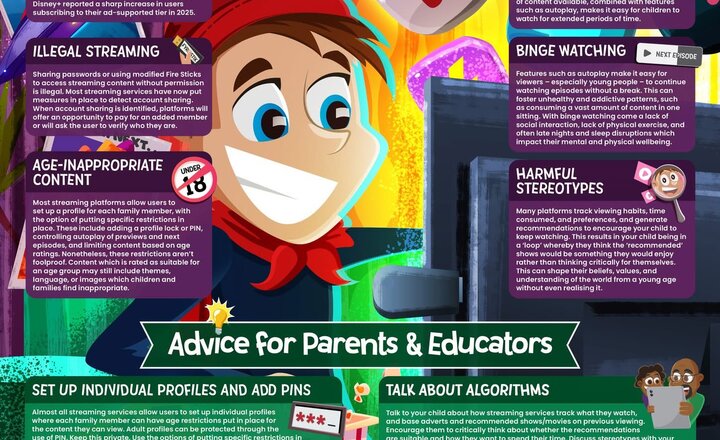
Online Safety: Streaming Services
Streaming platforms have quickly become one of the most popular ways for children to watch TV and films. But behind the convenience of on-demand content are several risks that parents and educators should be aware of. From excessive screen time and binge watching to age-inappropriate material and algorithm-driven recommendations, our latest #WakeUpWednesday guide explores the realities of children’s streaming habits. It also provides practical advice to help families create safer viewing environments, including: ✔️ Setting up individual profiles and PINs ✔️ Managing screen time and autoplay ✔️ Talking to children about algorithms and stereotypes Download the free guide and help support safer streaming habits at home. https://vist.ly/4uh7n #OnlineSafety #WakeUpWednesday #DigitalWellbeing #SafeguardingChildren
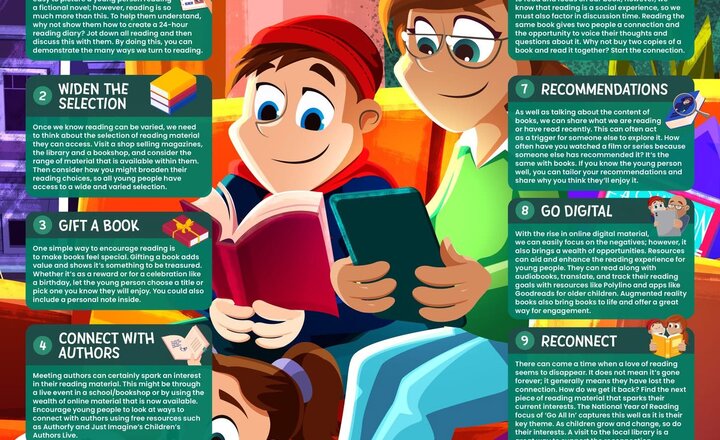
Online Safety: Creative ways to encourage reading
Tomorrow is World Book Day, and it’s the perfect chance to spark a love of reading in every child. Stories don’t just build literacy skills, they inspire curiosity, boost confidence and open doors to new worlds. This week’s #WakeUpWednesday highlights simple, practical ways families can make reading part of everyday life. From creating cosy reading spaces to showing children that reading is fun, small habits can make a big impact. Download your FREE copy here >> https://vist.ly/4tnsk #WorldBookDay #WUW #EncouragingReading
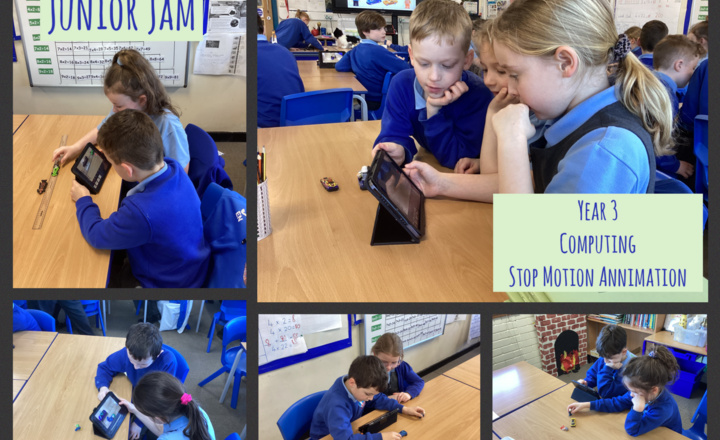
Year 3- Computing- Stop Motion Animation
In computing today, Year 3 put on their director hats and began filming their stop-motion sequences. They applied Mr Bradley's guidance on visual aesthetics to bring their chosen storylines to life through frame-by-frame animation.
.jpeg)
Online Safety: WhatsApp
With its end-to-end encryption and huge popularity, WhatsApp is often seen as a private and secure way to stay in touch; however, that same privacy can make it harder for trusted adults to see when things go wrong. This week's #WakeUpWednesday guide explains how features like group chats, disappearing messages, ‘Channels’ and location sharing can expose young users to pressure, unwanted contact and inappropriate content. Download your FREE copy here >> https://vist.ly/4ryfu
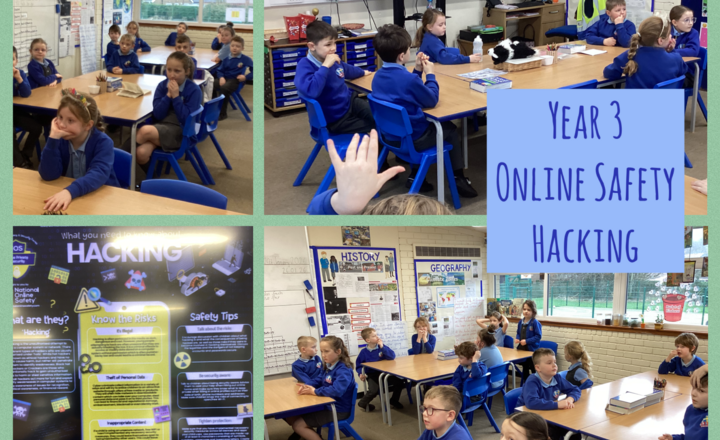
Year 3- Online Safety- Protecting yourself from hackers
Today, Year 3 learned that hacking is the unauthorised attempt to exploit a computer system or network. We discussed how there are different types of hackers, like "Black Hats" who try to steal data and "White Hats" who are ethical and just look for weaknesses to help fix them. It is important to remember that hacking is a criminal offence that can lead to a criminal record, even if it is sometimes portrayed as "cool" in the media. To stay safe, we should use strong passwords with at least 8 characters, including symbols and numbers, and always ask a parent or carer for help before filling out online forms with private details like our address or date of birth. If you ever think an account has been hacked, you should tell an adult right away so they can help change the security controls and offer support.